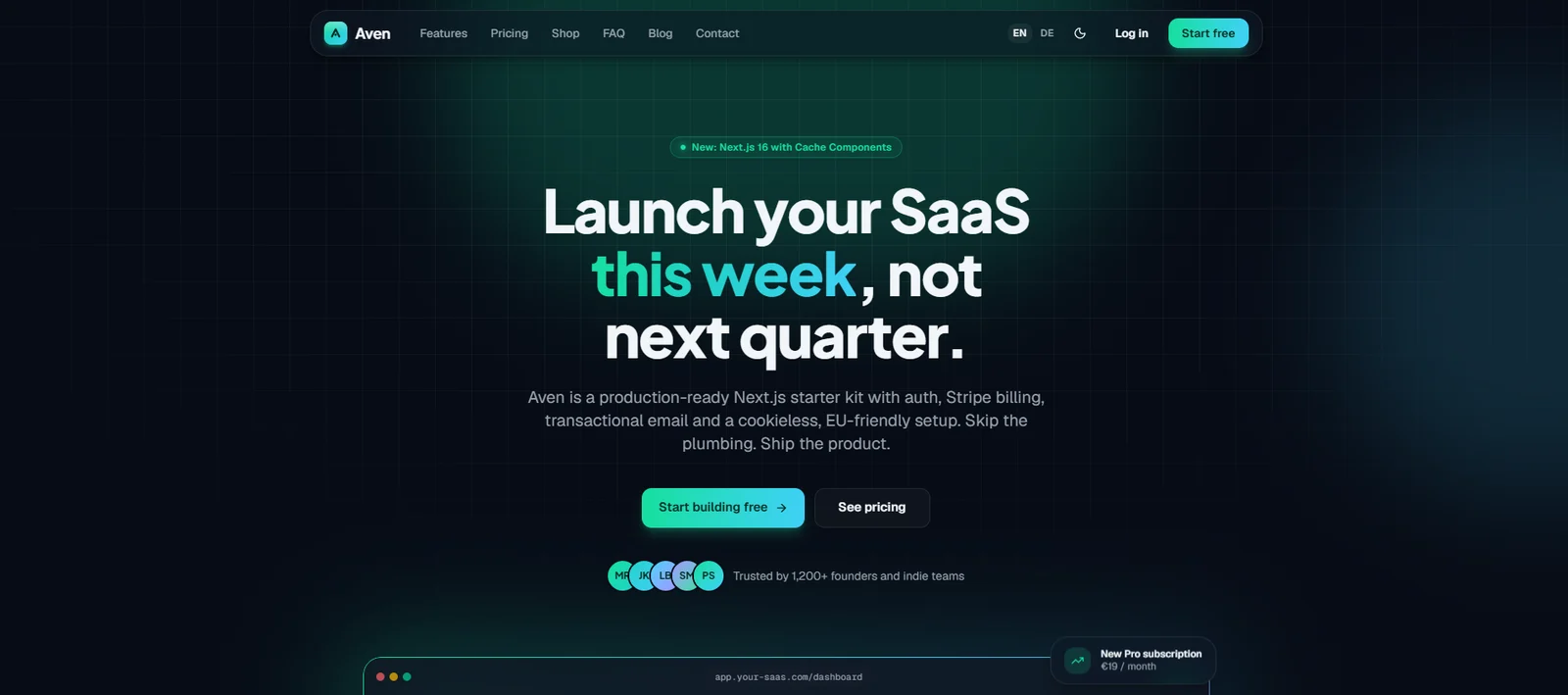
Launch this week, not next quarter · EN & DE
The Next.js Stripe SaaS boilerplate for subscriptions & shops.
Aven is a production-ready Next.js starter kit for subscription SaaS: monthly and yearly plans, one-time purchases and a shop through Stripe, plus auth, transactional email and a polished English and German marketing site, with privacy-first defaults. Skip the plumbing. Ship the product.
One-time payment · unlimited projects
- from download to running locally
- ~10 min
- from download to running locally
- site, dashboard and emails
- EN + DE
- site, dashboard and emails
- tracking cookies by default
- 0
- tracking cookies by default
- App Router, Cache Components, React 19
- Next.js 16
- App Router, Cache Components, React 19
01 / What's inside
Everything a SaaS needs on day one
The boring parts done right, so you can start with the part that makes you money.
Marketing site
- Landing page with interactive dashboard preview, bento features, testimonials, pricing and FAQ
- Shop for digital products
- MDX blog, contact page and legal templates
- Light and dark theme (dark by default)
Authentication
- Email and password, magic link, Google sign-in
- Password reset and email change
- Account deletion
- Powered by Better Auth
Dashboard
- Sidebar layout with onboarding checklist
- Purchases, billing and settings
- Data export for your users
- Admin user list
Payments
- Stripe Checkout for monthly or annual subscriptions
- One-time plans and shop products
- Customer portal and signed, idempotent webhooks
- hasAccess() helper to gate features
- Welcome, magic link, password reset and verification
- Receipt and failed-payment emails
- React Email + Resend, in English and German
SEO
- Metadata helpers and hreflang
- Open Graph images
- Sitemap, robots.txt and JSON-LD
Developer experience
- One-command setup with seed data and demo accounts
- Validated environment variables
- Postgres via Docker or Docker-free (PGlite)
- Vitest, Playwright and GitHub CI
Launch guide
- Step-by-step launch roadmap in the README
- Reference tags that jump straight to the right code
- Docs for auth, billing, email, deployment and legal
02 / Made in the EU
Privacy-first defaults, built for European customers
Aven is designed for the rules your customers in Germany and the EU expect.
No cookie banner needed
Out of the box, Aven sets no tracking cookies and loads no third-party scripts. Visitor stats use a cookieless wrapper for Plausible or Umami.
English and German built in
Marketing site, dashboard and every email exist in both languages, with proper hreflang and no locale cookie.
GDPR features included
Users can export their data and delete their account themselves. Fonts are self-hosted.
EU hosting friendly
Works with Postgres in an EU region, for example on Neon or Supabase, and deploys to Vercel or your own server.
03 / Tech stack
Modern, popular and well documented
No exotic choices: every part is widely used, so answers are easy to find and developers are easy to hire.
- Next.js 16
- React 19
- TypeScript
- Tailwind CSS 4
- shadcn/ui
- Postgres + Drizzle
- Better Auth
- Stripe
- Resend
- Vitest
- Playwright
04 / Who it's for
Made for founders who want to ship this week
A great fit for
- Indie hackers and small teams launching a subscription SaaS
- Founders who also sell one-time products such as playbooks, templates or courses
- Businesses that need an English and German product site
- First-time founders: the launch roadmap explains every step
Good to know
- You need a Postgres database; free tiers at Neon or Supabase are enough to start.
- Payments run through Stripe, and emails through Resend.
- Teams, seat-based billing and two-factor authentication are not included.
- The legal page templates are a starting point, not legal advice.
05 / Licence & delivery
Buy once, build as many projects as you like
One licence covers everything. You get the full source code as a download and in a private GitHub repository.
You may
- Use Aven for unlimited projects, personal or commercial
- Build products for clients
- Change the code however you like
You may not
- Resell or share Aven itself as a template, starter or boilerplate
- Publish the source code of Aven publicly
How you get it
- 1Buy Aven through the secure Polar checkout.
- 2Open Polar's customer portal (the link is in your receipt email): download the code as a ZIP file, or connect your GitHub account to get the private repository.
- 3Unzip or clone it and run pnpm run setup.
Aven
One-time payment · unlimited projects
Secure checkout by Polar, our reseller. You get an invoice with VAT and access to the private GitHub repository right after paying.
14-day refund as long as you haven't accessed the repository. Refund policy
06 / FAQ
Questions about Aven
How is Aven different from Cairn and Fjord?
All three share the same solid foundation. Aven has a sleek dark look, monthly and annual subscriptions plus one-time sales and a shop, in English and German. Cairn is a bold, creator-focused starter, also in English and German. Fjord adds a docs portal with an AI assistant and many company pages, in English.
Do I need to be a developer?
Basic coding knowledge helps. The README contains a launch roadmap that walks you through every step, from running it on your computer to going live. Experienced developers have it running locally in about ten minutes.
Can I use Aven for client projects?
Yes. One licence covers unlimited projects, including products you build for clients. You may not resell Aven itself as a template.
Where can I host it?
On Vercel or any server that runs Node.js, plus a Postgres database such as Neon or Supabase in an EU region. The docs cover both Vercel and self-hosting.
Does it work before I set up Stripe and Resend?
Yes. Without a Resend key, emails are printed in your terminal. Without Stripe keys, everything except checkout and the customer portal works. Add the keys when you're ready.
Can I get a refund?
Yes, within 14 days of your purchase, as long as you haven't accepted the repository invitation or downloaded the code. After access, you can contact us about defects or other problems, and your statutory rights apply. See our refund policy for details.
How do I get updates?
Updates are pushed to the private GitHub repository. Connect your GitHub account in Polar's customer portal to get access, then pull them like any other change.
Launch your SaaS this week
Get Aven, follow the roadmap, and spend your time on the product your customers pay for.